Facility support and triage
Handle common requests, clarify shift details, and route urgent staffing issues to the right owner faster.

AI communication layer
Xshift extends the staffing workflow with AI-assisted communication so facilities can respond faster, route issues better, and keep after-hours operations moving without more manual overhead.
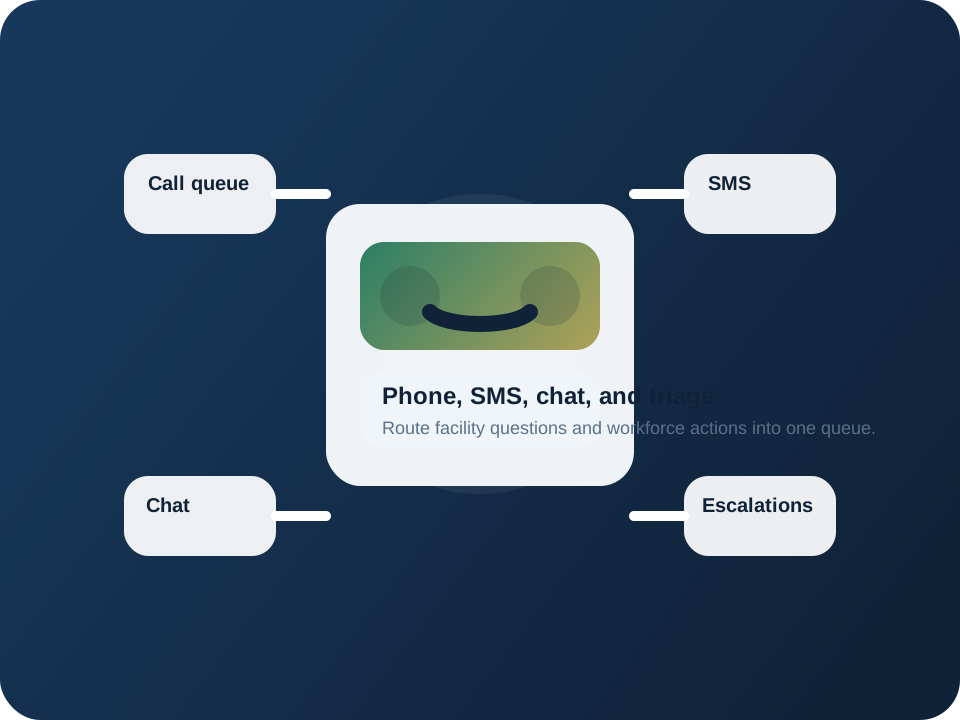
When facility communication is tied to the staffing workflow, operators can triage questions, escalate exceptions, and keep response history visible instead of starting from scratch in every channel.
Capture facility calls, workforce questions, and common staffing requests without waiting for a coordinator to be free.
Phone, SMS, and chat activity can stay visible to the staffing team instead of living in disconnected tools.
Escalate only the conversations that need human intervention and keep the rest moving through automation.
Give facilities better continuity when staffing questions continue outside normal business coverage windows.
Where this fits
Xshift treats AI communication as an operational layer around open shifts, confirmations, worker questions, and exception handling.
Handle common requests, clarify shift details, and route urgent staffing issues to the right owner faster.
Use automated phone and messaging flows to improve response speed for shifts, reminders, and status updates.
Keep transcripts and conversation outcomes attached to the staffing motion so teams can learn and follow up better.
Workflow
Accept phone, SMS, or chat traffic from facilities, workers, and staffing partners in a structured way.
Use workflows to provide updates, gather details, and handle the questions that do not require a live operator.
When a person needs to step in, pass the conversation with the right history and staffing reference already attached.
Feed the outcome back into the staffing workflow so communication does not become a disconnected side system.
Connected workflows
Staffing response
Use automation to support the shift distribution and follow-up motion defined at the order level.
Mobile operations
Keep communication outcomes aligned with who is booked, who checked in, and what changed on shift.
Quality control
Turn escalations and exceptions into trackable operational follow-up instead of loose message threads.
Review the communication layer
If your team is missing updates because communication lives in too many channels, this is the fastest place to add operational consistency.