Timesheet review with shift context
See the original order, who worked, what changed, and which exceptions still need attention before approval.

Financial close
Xshift connects job order logic, mobile activity, time capture, pay rules, billing workflows, and payout visibility so facilities can close the staffing loop faster.
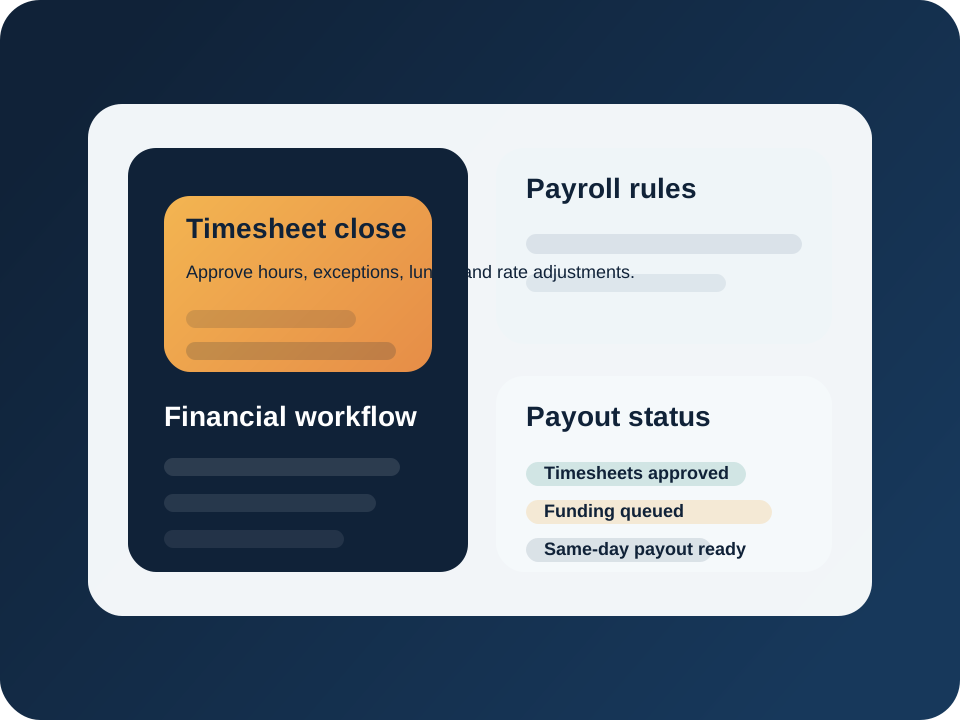
The strongest staffing workflow does not end when the shift is covered. It ends when hours, rules, reviews, billing, and payout all close without rework.
Use mobile execution and shift context to support more accurate check-in, check-out, and exception review.
Handle lunch, overtime, adjustments, bonus logic, and pay structures without re-keying data across systems.
Keep internal teams, staffing agencies, and qualified contractors inside one financial workflow instead of three separate ones.
Reduce the lag between shift completion and financial close so workers and finance teams both have better visibility.
Why this matters
Xshift keeps order logic, shift completion, and time handling connected so finance does not inherit a broken record at the end of the day.
See the original order, who worked, what changed, and which exceptions still need attention before approval.
Use the system to apply pay logic consistently across internal staff, agencies, and contractor flows.
Track which staffing events are approved, invoiced, queued, or ready for same-day pay programs.
Workflow
Bring check-in, completion, and exception data in from the live staffing workflow.
Approve hours, handle lunch and overtime logic, and resolve discrepancies with context attached.
Use the order and labor model to determine how the shift should be invoiced and paid.
Move approved work into invoice, payroll, and same-day pay workflows with clearer status visibility.
Related modules
Demand
Define compensation logic and shift rules upstream so time and pay do not need cleanup later.
Execution
Use the live mobile workflow to improve the quality of completion and attendance data.
Worker experience
Support faster worker access to earnings once the staffing event has been approved and closed.
See the close workflow
If payroll teams are still correcting staffing data by hand, the issue usually starts before the timesheet. Xshift is designed to keep that chain connected.