Shift templates and recurring demand
Build repeatable staffing patterns for units, roles, service lines, and recurring coverage windows.

Demand setup
Build the staffing request once, then let Xshift carry that structure through routing, credential fit, approvals, fulfillment, timesheets, and payout readiness.
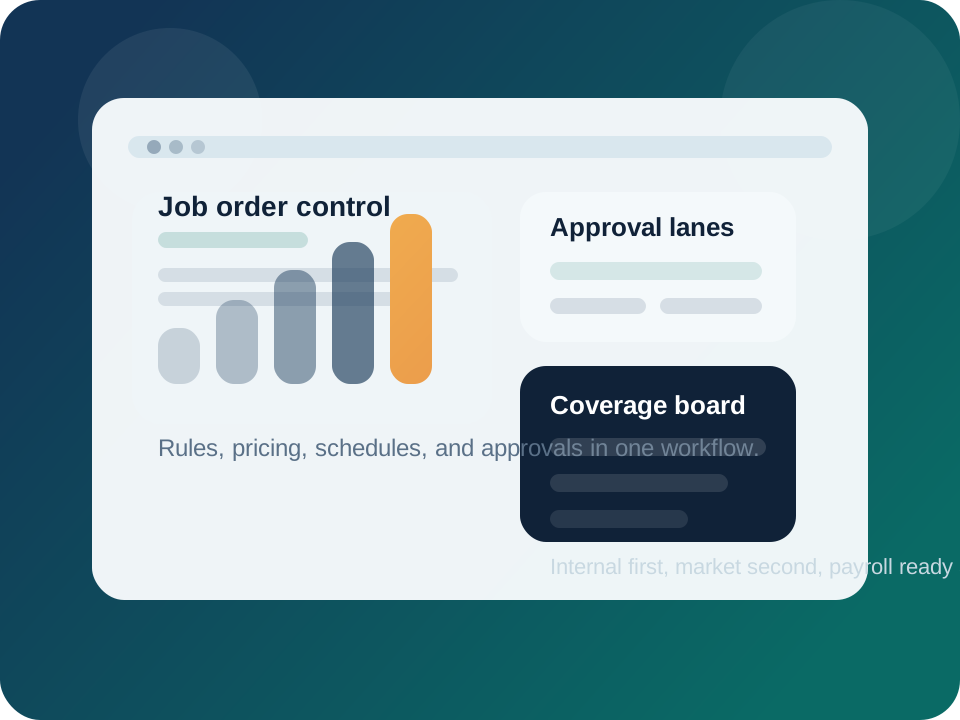
Set the shift requirements once, then promote the work to the right internal, agency, and contractor pools without rebuilding the request downstream.
Keep schedule shape, credentials, pricing, notes, and distribution logic attached to the same job order.
Start with internal coverage, then expand to staffing partners or 1099 supply without rebuilding the request.
Approvers see who is eligible, what rules apply, and which offers need attention before shifts are filled.
Timesheets, quality, and payroll inherit the structure created at the order level instead of depending on manual cleanup.
What operators control
Xshift makes the job order the control layer for coverage, policy, and financial logic so the rest of the workflow stays aligned.
Build repeatable staffing patterns for units, roles, service lines, and recurring coverage windows.
Handle rate changes, incentives, and promotion tactics without losing control of margin or approval policy.
Choose whether a request stays internal, expands to agencies, or opens to qualified 1099 talent.
Workflow
Set role, schedule, pay adjustments, comments, skill requirements, and who can approve the order.
Publish to internal teams first, then widen to external labor pools according to the rules you set.
Evaluate worker eligibility, response activity, and urgency before assigning or approving the shift.
The same order data supports mobile execution, timesheets, reviews, and payout logic after the work is done.
Connected modules
Eligibility
Use role requirements and facility rules to decide who can see, request, or accept each shift.
Execution
Push approved work into the mobile workflow so staff can confirm, check in, and stay informed in real time.
Financial close
Carry the original order logic into hours review, pay rules, billing, and payout readiness.
See the order workflow live
If your current team is bouncing between schedulers, spreadsheets, texts, and payroll notes, start with the job order layer. That is usually where the downstream friction begins.