Alerts and confirmations
Publish shift demand, assignment changes, and approval decisions through push, SMS, and in-app notifications.

Mobile operations
Xshift gives facilities, internal teams, staffing partners, and clinicians one mobile layer for alerts, approvals, check-in, shift updates, messaging, and payout visibility.
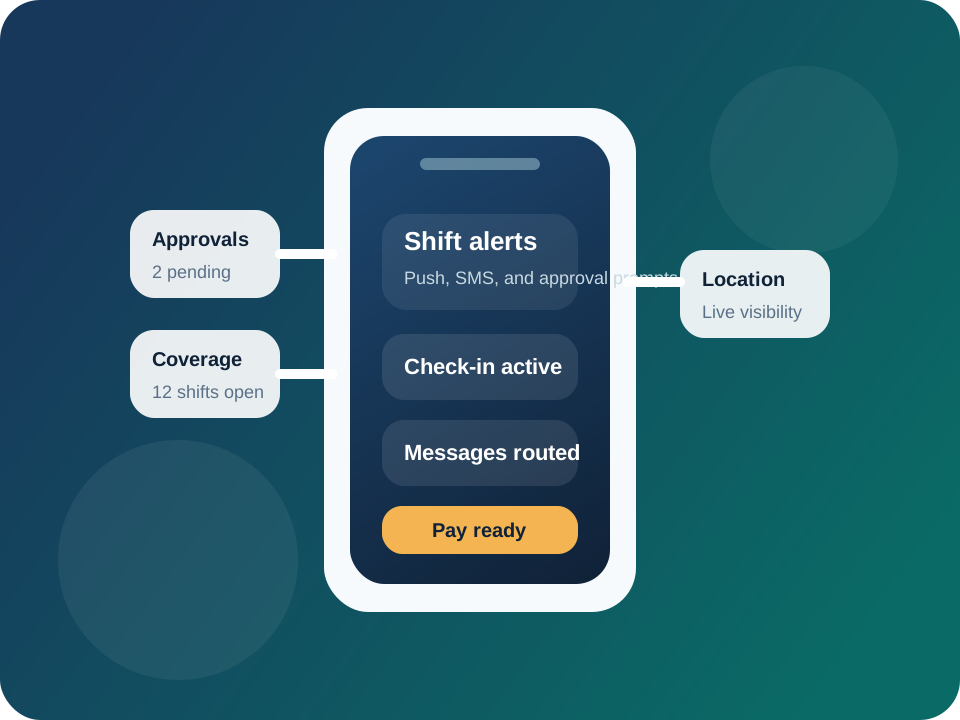
When the staffing workflow lives on the device, response speed improves and coordinators stop losing time to missed texts, calls, and manual check-ins.
Notify the right staff about new shifts, approvals, and changes without relying on fragmented text chains.
Use reminders, confirmations, and location-aware workflows to keep coverage visible before the shift begins.
Coordinators and managers can review activity, confirm assignments, and resolve issues while away from the desk.
Check-in, check-out, timesheet cues, and communication history stay attached to the staffing event.
Field execution
Xshift treats mobile as the live execution layer for the shift, not a thin companion app with partial visibility.
Publish shift demand, assignment changes, and approval decisions through push, SMS, and in-app notifications.
Use check-in and on-shift visibility to give facilities more confidence that coverage is active where it needs to be.
Keep messages, updates, and escalation activity connected to the actual staffing record rather than separate threads.
Workflow
Target the right workers with the right urgency based on role, location, and eligibility.
Track who opened, responded, requested, or needs follow-up without piecing activity together manually.
Give workers access to directions, messages, updates, and on-shift guidance from the same mobile view.
Move the finished shift into time review and payout workflows with better source data and fewer handoffs.
Related capabilities
Visibility
See where activity is happening and which staffing events need attention across facilities or units.
Communication
Extend the mobile workflow with phone and messaging automation when coordinators need more coverage.
Financial close
Carry mobile check-in and completion data forward into hours review, invoicing, and same-day pay workflows.
See the mobile flow
If your team is still managing open shifts through calls, texts, and spreadsheet notes, the mobile layer is usually where speed and consistency improve first.