Role-based qualification logic
Map requirements to units, positions, and facilities so eligibility is based on the real shift, not a generic worker record.

Credentialing and compliance
Xshift helps facilities define role-based requirements, validate worker readiness, surface exceptions, and keep approvals auditable across internal staff, agency talent, and qualified contractors.
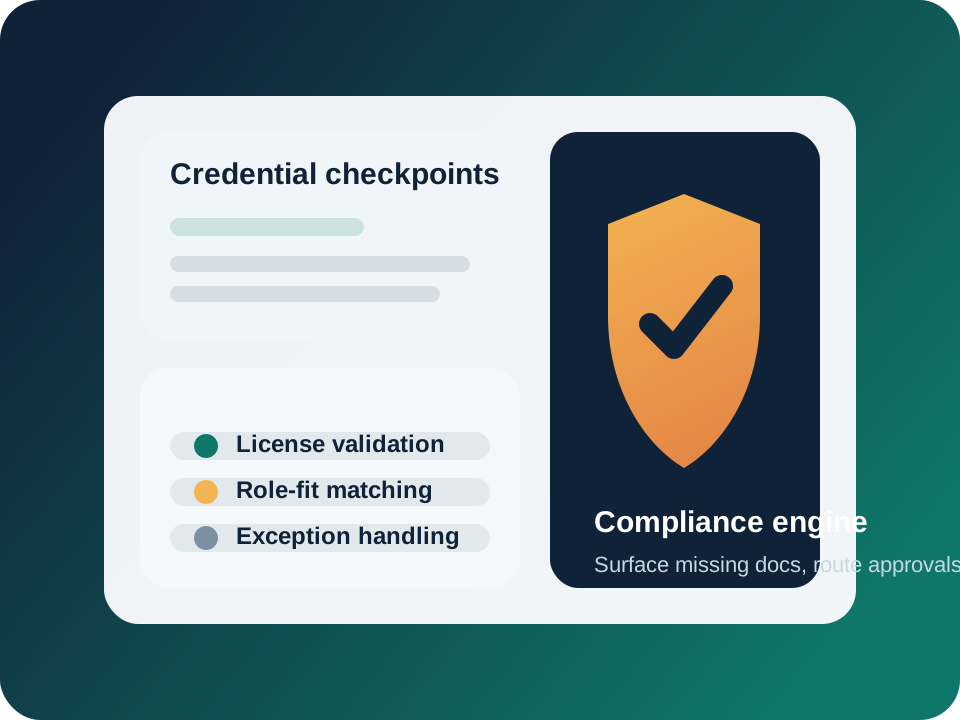
Credentialing works best when the policy, documentation, approval logic, and staffing request are part of the same system instead of separate inboxes and spreadsheets.
Define which licenses, certifications, trainings, and policy checks apply to each type of work.
Use credential fit to control who can request, see, or be assigned to a shift in the first place.
Missing or expiring items can be escalated to the right operator without blocking unrelated staffing decisions.
Facilities can see why a worker was approved, what documentation was missing, and who made the decision.
Where teams gain leverage
Xshift helps compliance teams and staffing operators work from the same context so coverage can move faster without lowering standards.
Map requirements to units, positions, and facilities so eligibility is based on the real shift, not a generic worker record.
Track what has been provided, what is expiring, and which items need human review before approval.
Approved talent can move into the staffing workflow without re-checking requirements in a separate system.
Workflow
Attach the right credentials, qualifications, and policy checks to the work being published.
Review worker files, automate reminders, and surface gaps before they create last-minute staffing risk.
Let operators decide quickly whether a worker is ready, requires follow-up, or needs escalation.
When a credentialed worker is assigned, the approval context remains visible to staffing and compliance teams.
Connected workflows
Demand
Build qualification logic into the request so eligibility starts at the order level.
Partner supply
Work with approved external partners while keeping facility rules visible earlier in the process.
Operations
Once a worker is cleared, approvals, alerts, and on-shift communication continue in the same platform.
Review your compliance workflow
If your staffing team and compliance team are still reconciling separate records by hand, this is usually the fastest place to remove risk and delay together.